

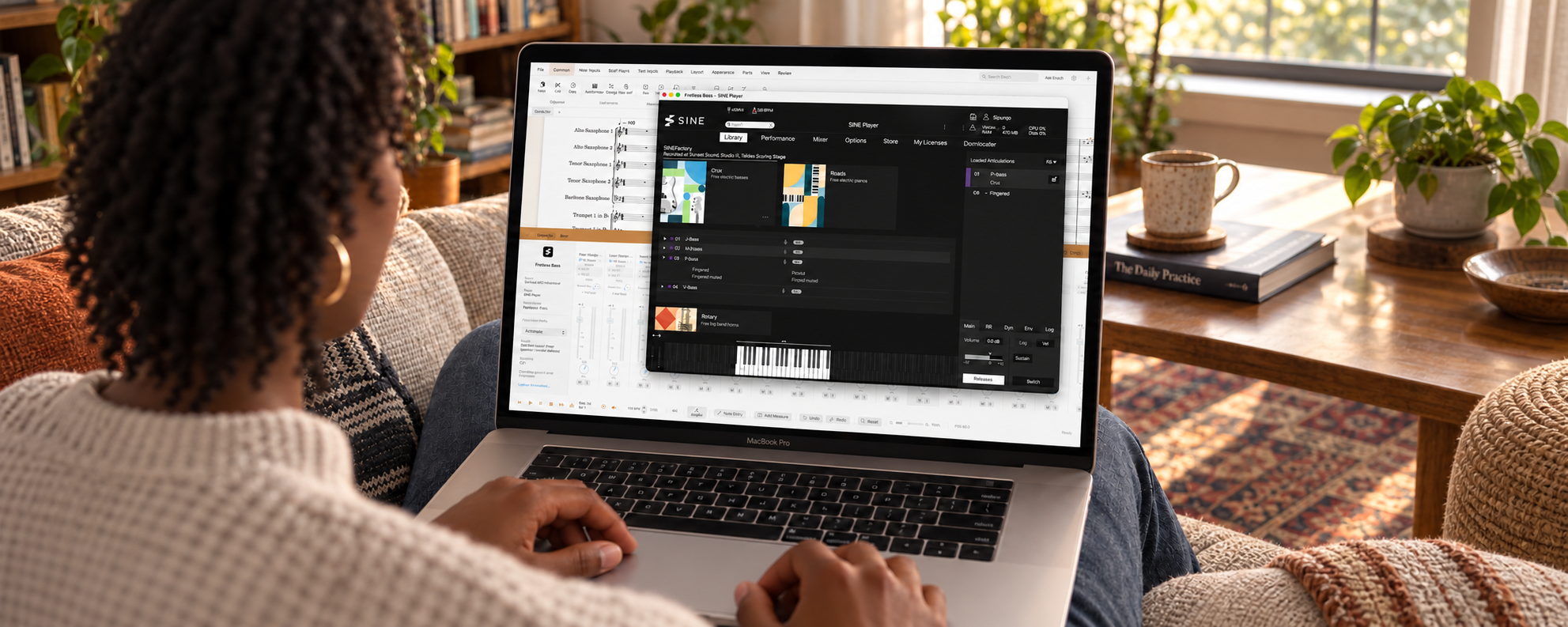
Enoch — Music Notation App & Sheet Music Creator for Mac

Preparing your world of music
A world of music.

Now on the Mac App Store.

Enoch Play is the complete editor.

MUSIC NOTATION APP FOR MAC

Create sheet music.
Hear every note.

Enoch is a music notation app and sheet music creation tool for Mac. Write notes, hear your score with built-in instruments, prepare individual parts, and print or export sheet music as PDF. Start with Enoch Play, the complete free score editor, and upgrade inside the app for Enoch Composer features.

See what's in each tier
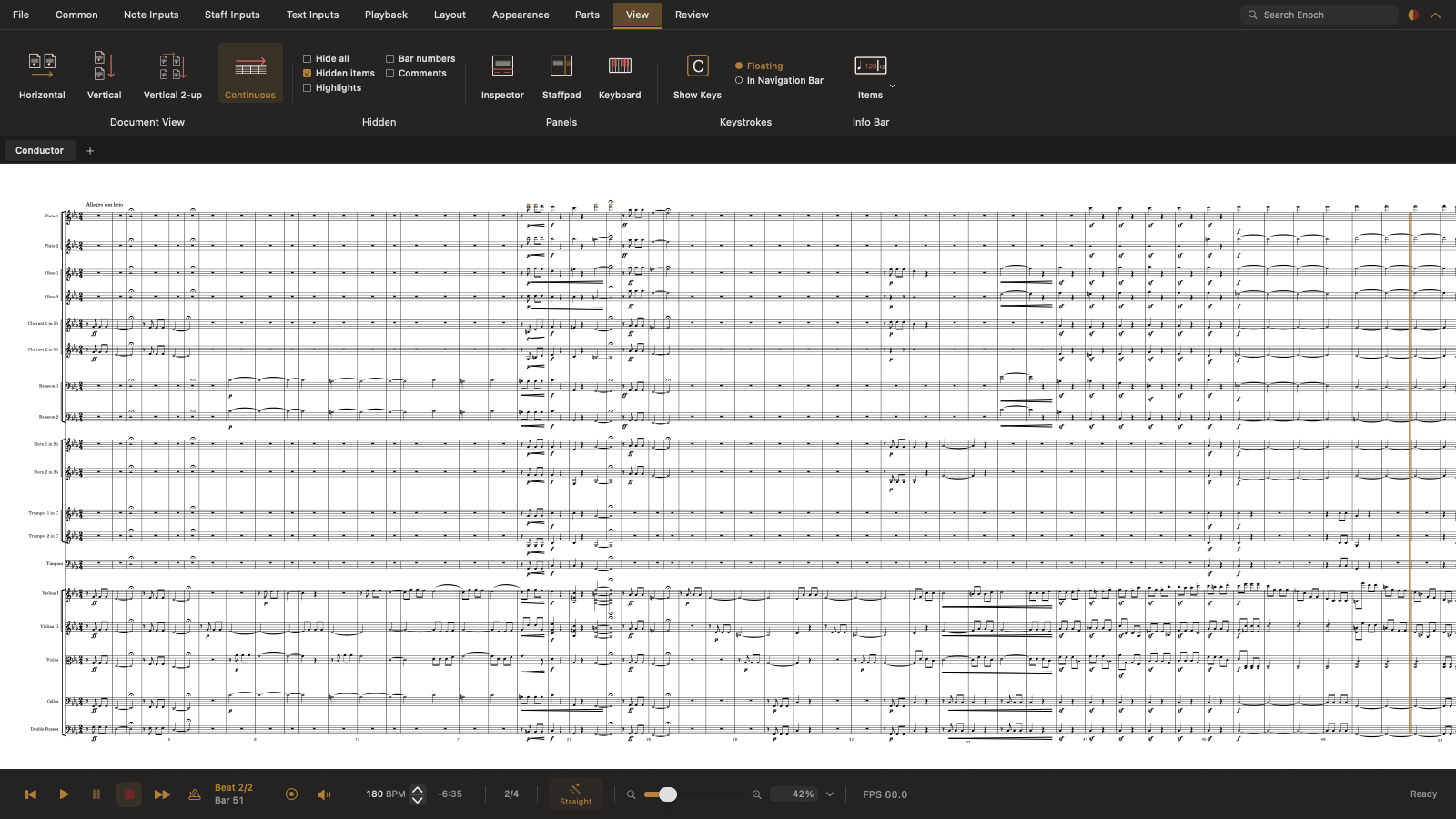
Beethoven orchestral score in the Enoch notation workspace
PUMZIWE 26.1.1
Enoch Play
The complete score editor
Enoch Composer
An in-app upgrade
Availability
Now on the Mac App Store
Windows
Coming Early 2027

Enoch Composer is bought inside Enoch through the Mac App Store — monthly, yearly or as a perpetual licence. Its features are visible in Enoch Play, so you can see where they live before you upgrade.

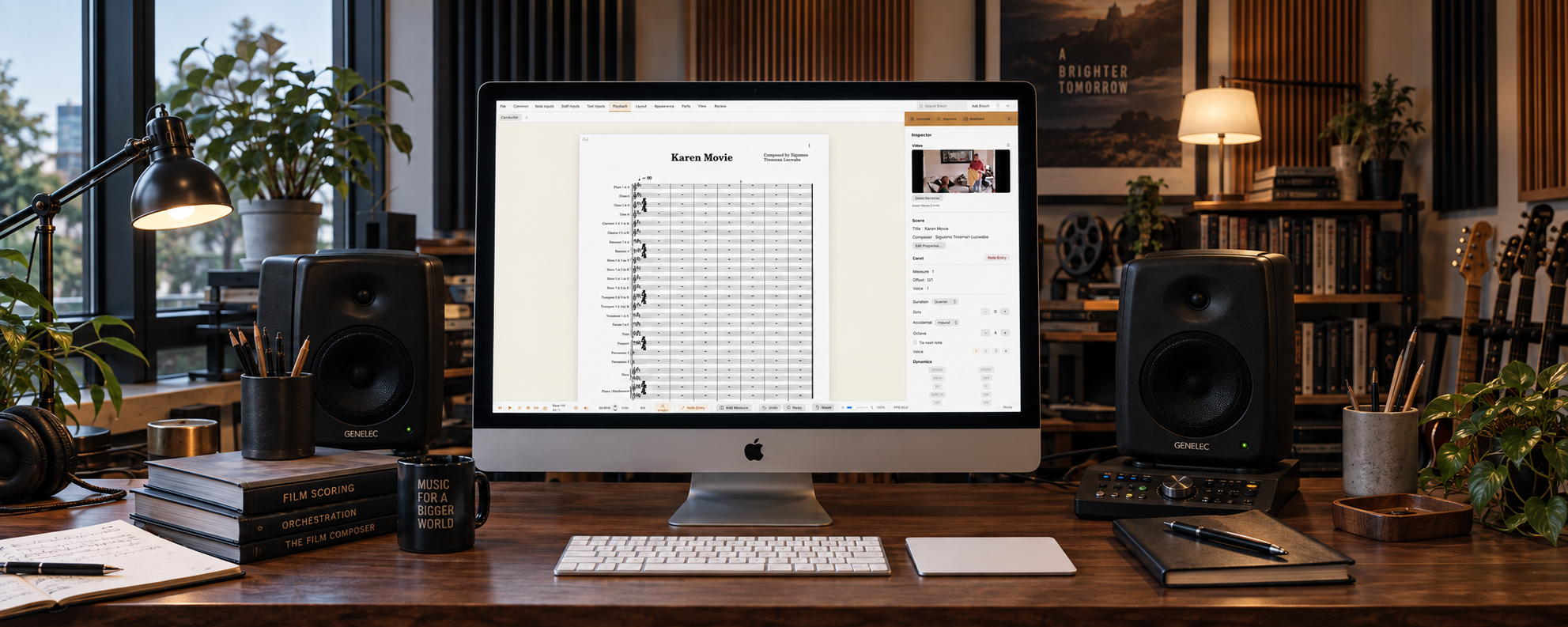
Film scoring in Enoch. iMac · The scoring studio.

Film scoring

Give every scene its score.

Keep the picture beside your music as you compose.

01 / 04

ENOCH ON WINDOWS

01 / WINDOWS

One score.
Mac and Windows.

Enoch for Windows — Coming Early 2027. It is built on the same notation, layout and playback engine as the Mac app, so the page you write on one is the page you get on the other.

Enoch's shared notation workspace displaying an orchestral score
One score. One notation engine.
01

The same engine.

One notation core behind both apps — the same engraving, the same playback, the same score.

02

Your scores travel.

Enoch scores are one file format, designed to open on Mac and Windows alike.

03

Coming Early 2027

Enoch Play and Enoch Composer, through the Microsoft Store.

ROOM TO GROW

02 / PLANS

Start free.
Compose with more.

A complete editor for everyone. Expanded sound, input and layout options when you're ready for Enoch Composer.

Prices vary by region. Check the in-app store for current pricing in your local currency before purchasing.

Two ways to make your next work.

Enoch Play

Everything starts with a note.

Free

Free. No subscription required.

Get Enoch Play
  • The complete score editorEvery notation feature, no bar limit, no watermark
  • Save, export and print your scoresPDF, MIDI, WAV and AAC
  • Enoch instruments and built-in effectsEnoch Reverb, Noise Filter and Compressor
  • Apple's own Audio Unit plug-insThe instruments and effects already on your Mac
  • Parts, layout and engravingPart extraction, page setup and the full appearance controls

Enoch Composer

AVAILABLE NOW

More sound, input and layout for your next idea.

In-app upgrade

Choose a monthly subscription, yearly subscription or perpetual licence. Open Enoch to see the current price for your region.

Available now as an in-app upgrade. In Enoch Play these features are visible and marked for Composer, so you can see exactly where they live.

Explore all Composer features

ENOCH COMPOSER

More room for your music.

  • Everything in Enoch Play

  • Video and audio import

    Write to picture with the movie as a score track, and Save with Media to keep it with the score

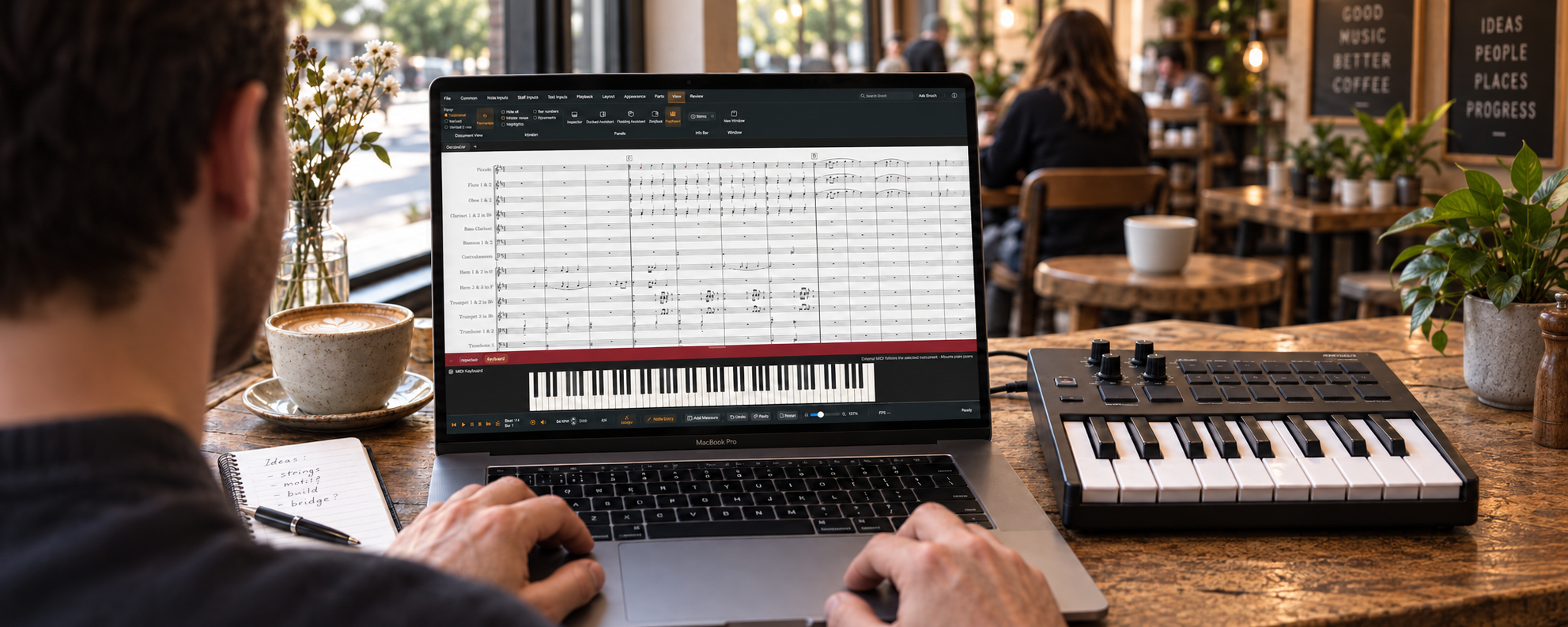
  • MIDI keyboard input

    Play notes in from a connected controller

  • Third-party plug-ins

    Audio Unit instruments and effects from other makers

  • External MIDI instruments and sound libraries

    Route any part out to your own rig

  • Note Input → Transformations

    Retrograde, inversion and the transformation tools

  • Bar number placement

    Play keeps the default placement; Composer moves it

  • Live Playback and Interpretation

    Performance shaping and the interpretation styles

  • Beam group styles

    Appearance → Note Styles → Beam groups

  • The Keyboard panel

    View → Panels

  • Selection tools

    Home → Select: Filters, All, None, Bars and System

  • Brackets and braces

    Place brackets, braces and sub-brackets

  • Rehearsal marks

    Text Inputs → Rehearsal Marks

  • Concert and transposed view

    Layout → Score View

  • Layout formatting

    System breaks, Keep Bars Together and Lock Format

  • Instrument and staff names

    Appearance → full or short names at start, after, and at new sections

Included with Enoch Composer. Compare plans

YOUR NEXT COMPOSITION STARTS HERE

Get the opening note.

Enoch Play is the complete score editor — every notation feature, no bar limit, no watermark, nothing to subscribe to. Download it and start writing — and upgrade to Enoch Composer inside the app whenever you're ready.

Mac App Store · Available now

Windows — Coming Early 2027.

Plans and licence details

Enoch Composer is bought inside Enoch. Pricing and any available offers vary by region; the store shows the current price in your local currency before you confirm your purchase. Enoch is not yet on sale in the European Union; it follows there shortly after launch. Your scores remain open, editable, saveable, printable and exportable in Enoch Play, and stay that way if an Enoch Composer subscription ever lapses.

Enoch for Windows — Coming Early 2027. Microsoft Store pricing will be shown in the app when it becomes available.

A Pumziwe perpetual licence stays yours. If a new named release is published within 12 months of purchase, it is included and remains yours, including updates to that named release. Later named releases may require a separate, optional upgrade purchase. See the Terms of Use for the full policy.